 Bumbi
Membership Platform Guide: How to Choose and Set One Up
A membership turns one-time buyers into members who pay every month. Here is what to look for in a membership platform and how to set one up.

Quick answer: A membership platform lets you charge people a recurring fee (weekly, monthly, quarterly or yearly) for ongoing access to your content, community or coaching. The best membership platform for a creator handles the billing, renewal reminders, access that switches off when someone stops paying, and content delivery in one place. Bumbi does all of that alongside your other digital products, with buyers anywhere able to pay.
Selling a one-time ebook means finding a new buyer every time. A membership turns a buyer into a member who pays again next month. For a creator, that difference is the gap between a busy month and a predictable one.
But membership platforms vary a lot, and the comparison lists rarely ask the questions that matter to a solo creator. This guide covers what a membership platform does, the types of memberships that work, the features to check before you choose, and how to set one up.
What is a membership platform?
A membership platform is software that sells recurring access. A member signs up, pays on a schedule, and gets access to something for as long as they keep paying: a library of content, new monthly material, a course, a community, live sessions, or coaching. When they stop paying, access ends.
Behind that simple idea there is a lot of work: charging on time, reminding members before renewal, handling failed payments, giving a grace period, ending access at the right moment, and letting people cancel or pause. A good platform does that for you.
Types of memberships that work for creators
- Content library. Members get everything you have made plus whatever you add. Good for template makers, preset creators, recipe writers.
- Monthly drop. A new pack, guide or set of files every month. Members stay for what comes next.
- Course plus community. A course they work through, with ongoing support while they are a member.
- Coaching or mastermind. Higher price, fewer members, regular live sessions or calls.
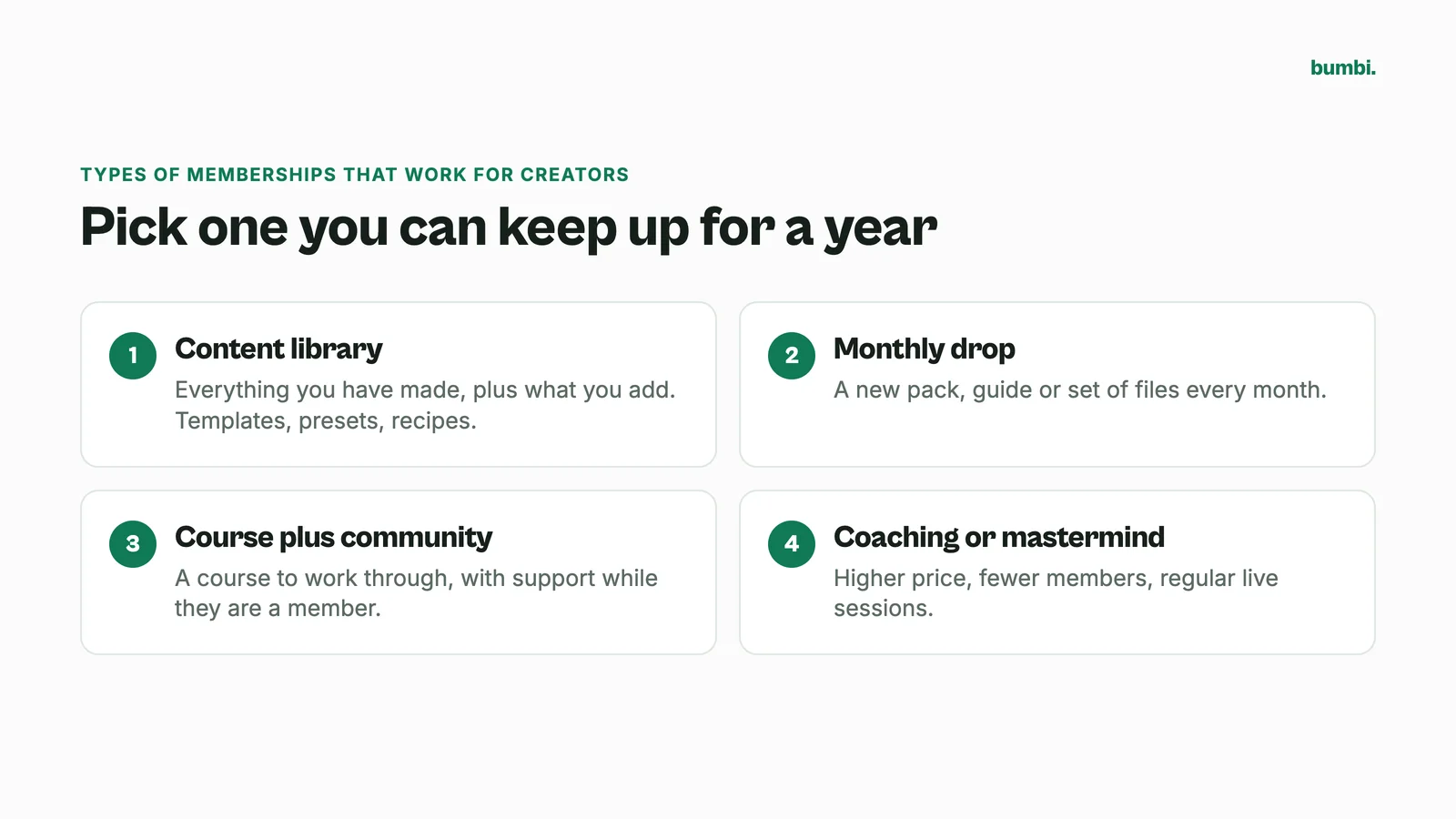
Pick the one where you can deliver steadily for a year without burning out. A membership people love but you cannot keep up with ends badly.
Membership site software: features to check
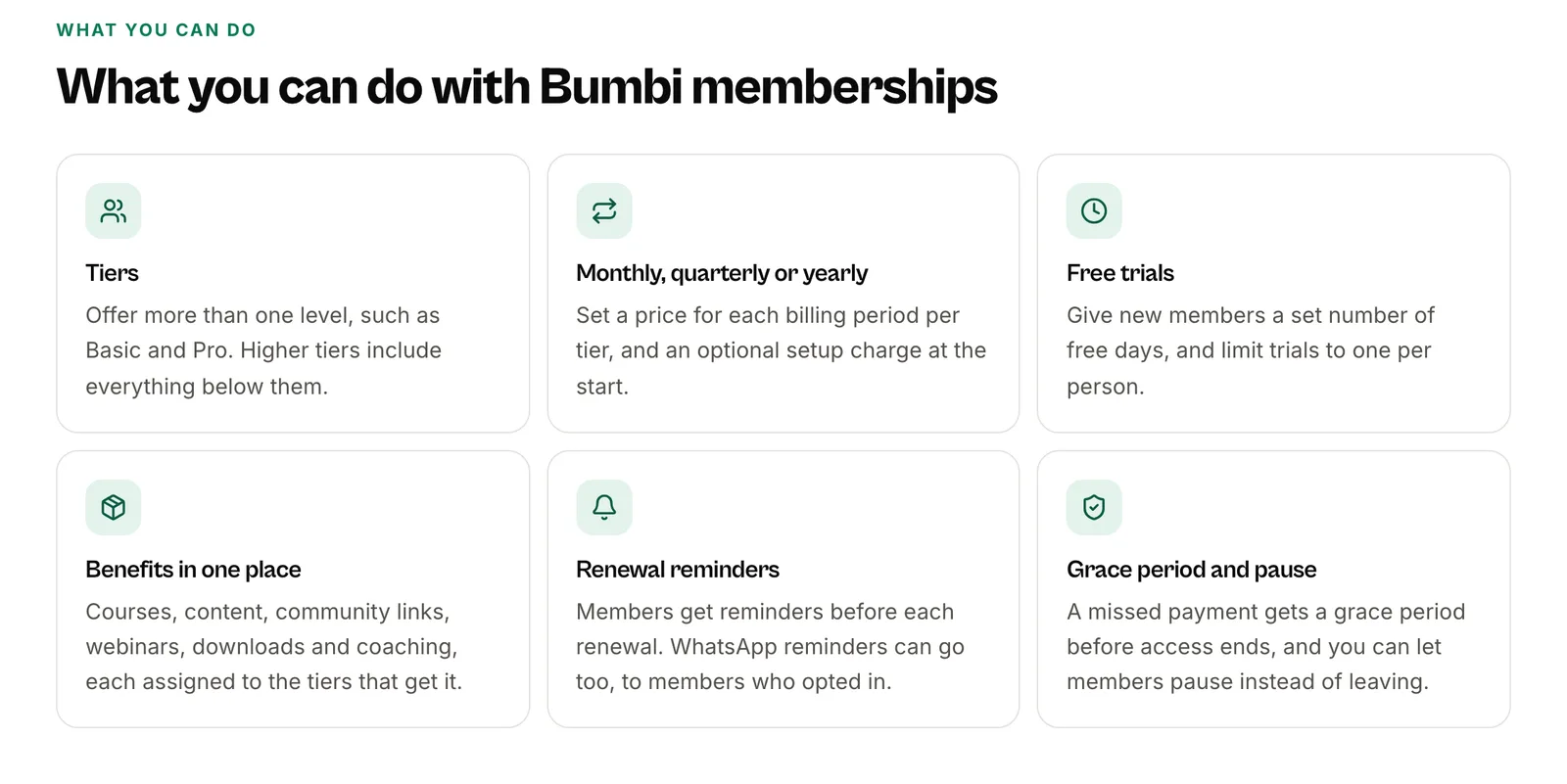
- Billing intervals. Monthly is standard. Yearly with a saving is popular. Quarterly and weekly suit some offers.
- Free trials. A short trial lowers the barrier to joining.
- Tiers. A basic level and a premium level let members choose, and give them somewhere to upgrade to.
- Renewal reminders and failed payments. What happens when a card fails or a member forgets? Look for reminders, retries or a grace period.
- Access that follows payment. Content should lock when a membership ends, without you checking by hand.
- Cancel and pause. Members who can pause instead of cancelling often come back.
- Payment from buyers abroad. A global audience needs prices in their currency and payment methods that work where they live.
- Your other products in the same place. If you also sell ebooks, courses or coaching, one system saves you a lot of stitching.
Best membership site platforms: how to compare
Comparison lists rank membership platforms by feature counts. For a creator, a better test is to set up one real membership on the free plan or trial and walk through it as a member would: join, pay, get access, get the renewal reminder, cancel. Each vendor's own site is the place to check current features and prices. If you are weighing a specific tool against Bumbi, our compare pages cover Kajabi vs Bumbi, Teachable vs Bumbi and more on the compare page.
How to set up a membership on Bumbi
Bumbi is a platform for selling digital products, and memberships and subscriptions sit alongside everything else you sell.
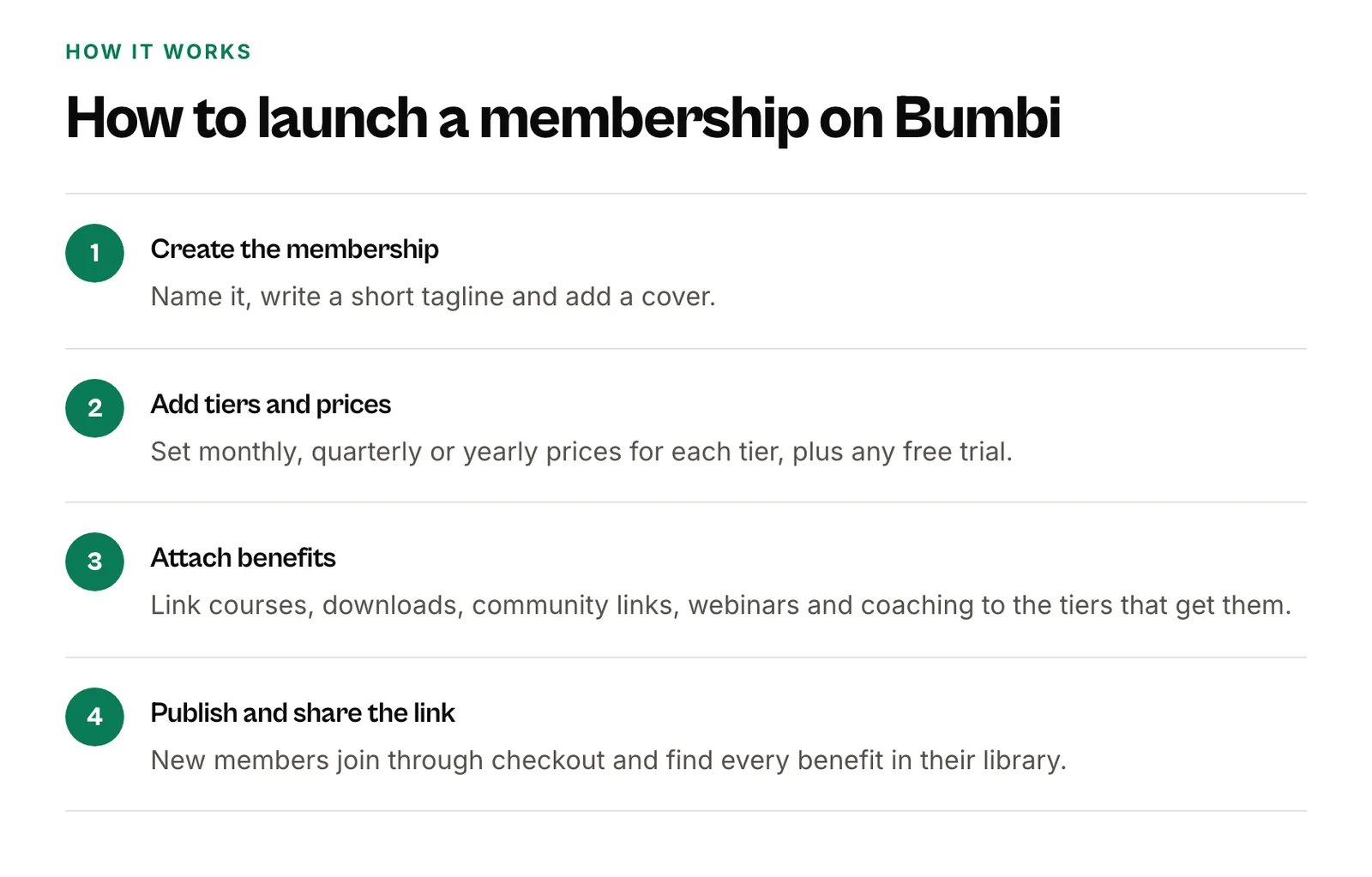
- Create a membership and decide what members get: files, a course, or both.
- Add tiers if you want a basic and a premium level.
- Set the price in your own currency for each interval: monthly, quarterly or yearly, and weekly for members who pay by card. Buyers abroad get a price in their currency where supported.
- Add a free trial if you want one. Members are told before the trial ends.
- Choose your reminders and grace days for renewals.
- Publish and share the link.
After that, Bumbi runs the membership:
- Renewals. Members paying in US dollars by card renew automatically. Members paying in a local currency get a payment link with reminders before the due date, by email and, if you turn it on and they agreed, on WhatsApp.
- Grace period. A member whose payment is late keeps access for your grace days. Paying inside that window keeps their renewal date.
- Access ends on time. When the grace period ends, or a cancelled membership reaches the end of its paid period, access stops and the member is told.
- Pause and cancel. A pause starts at the end of the paid period, and the next payment is due when it ends.
- Monthly drops. You can schedule files to appear for members over time, and courses included in the membership end when the membership ends.
See the memberships feature page for more, or how to build a membership website for the full build.
How to price a membership
Start from what a member gets each month and what it saves or earns them. Offer a yearly option at a real saving, because yearly members stay longer by definition. Keep your first price simple: one tier, monthly and yearly. You can add a premium tier once you know what members ask for.
Mistakes that make members leave
- Nothing new. If the content stops, so do the payments. Plan three months of content before you launch.
- Surprise renewals. Remind members before they are charged. Surprised members ask for refunds.
- Hard to cancel. Make it easy. People who leave on good terms come back.
- No welcome. Tell new members exactly where to start on day one.
- Too many tiers at launch. Three or four choices confuse people. Start with one.
Turn one-time buyers into members. Start on Bumbi and launch your first membership.
Frequently asked questions
- What is a membership platform?
- A membership platform is software that sells recurring access to content, a course, a community or coaching. It charges members on a schedule, reminds them before renewal, and ends access when they stop paying.
- What is the best membership platform for creators?
- The one that handles billing, renewal reminders, failed payments and access in one place, lets buyers abroad pay, and sits alongside the other products you sell. Test it by joining your own membership as a member would.
- What are the main types of memberships?
- Common creator memberships are a content library, a monthly drop of new material, a course with ongoing community, and coaching or mastermind groups.
- Is there a free membership site platform?
- Some platforms have a free plan or trial. Bumbi has a Free plan; check bumbi.io/pricing for what each plan includes.
- What happens when a member's payment fails on Bumbi?
- The member keeps access through your grace days and gets reminders. If they pay inside the grace period, their renewal date stays the same. When it ends, access stops and they are told.
- Can I offer a free trial?
- Yes. Bumbi memberships can include a free trial, and members are told before the trial ends.
- What is Bumbi?
- Bumbi is a platform for creators who sell digital products: ebooks, courses, templates and presets. It also runs memberships and subscriptions, with renewals, reminders and access handled for you.

Written by
Ava Milestone
Ava writes the Bumbi guides on selling digital products.
Start Doing More With Bumbi Funnels
Now you can simply build better pages, create better funnels and make more sales online
Related
Video Sales Letter: What a VSL Is, a Script and an Example
A video sales letter sells in the order you choose. Here is the 7 part script, a worked example and how to publish a VSL page that converts.
Bulk WhatsApp Messages: How to Send Safely to Your Own Buyers
What WhatsApp allows, why bulk senders get numbers blocked, and how sellers reach every buyer safely from their own number.
How to Build a Membership Website Without Code
What a membership site is, the types that work for creators, how to price it, and how to build one with renewals and access handled for you.