Best Teachable Alternative for Course Creators: Start With Bumbi
Updated By Bumbi Team7 min read
On this page
Our top pick
The best Teachable alternative: Bumbi
#1 pick
Bumbi: a course platform that also finds your students
Bumbi is a platform for creators who sell digital products: ebooks, courses, templates and presets. The course player is one part of it. The other part is everything that gets a stranger from your free class to lesson one.
Courses with sections, lessons, quizzes and certificates your students can share.
Lesson videos play from YouTube, Vimeo, Bunny or an HLS link, so your files stay where they already are.
Webinars you record once and run as scheduled live sessions, with reminders, a replay and the course offer on screen.
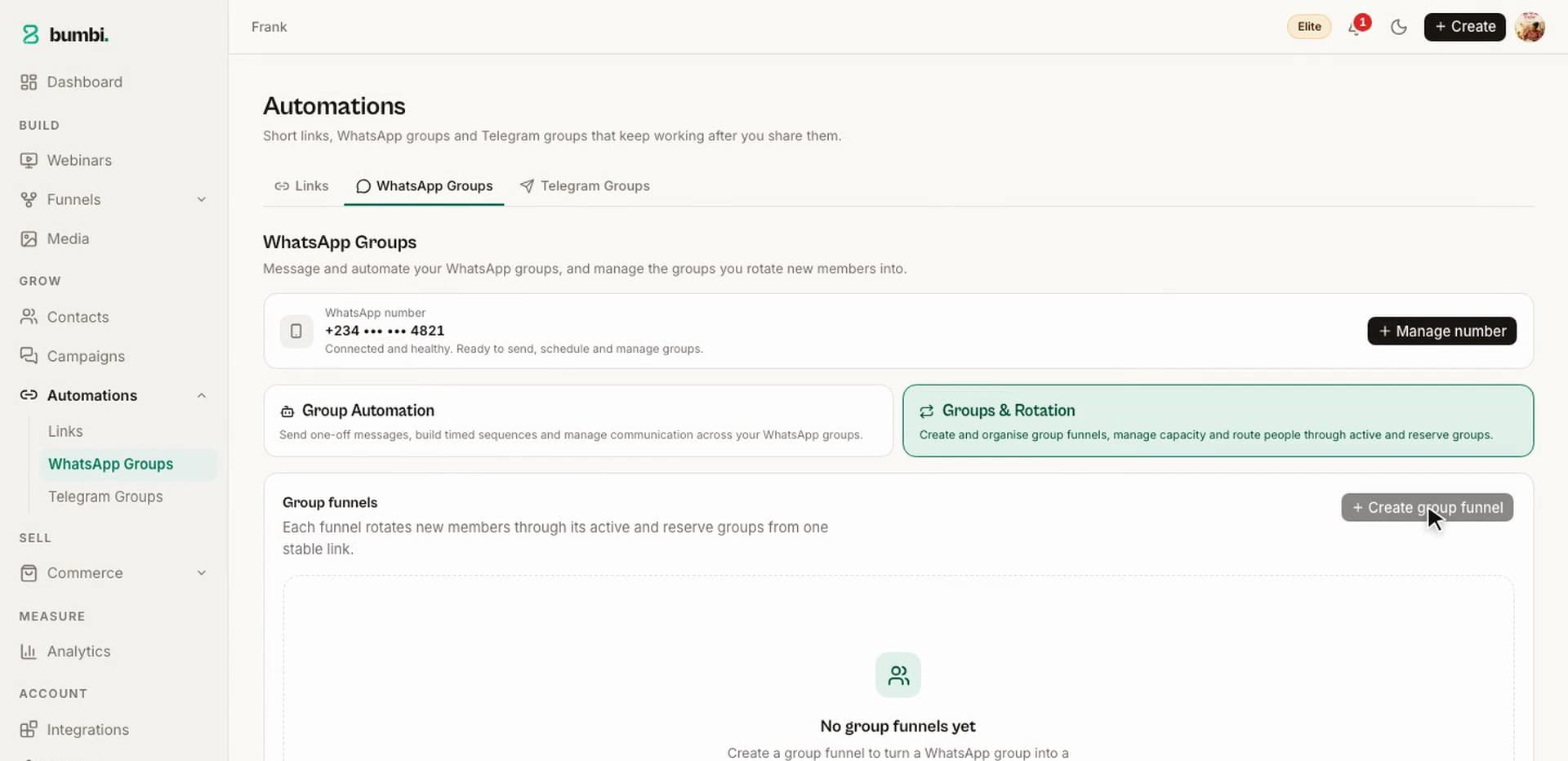
WhatsApp follow-up from your own number to people who opted in, with no API account and no template approval.
Paid WhatsApp classes: sell the seat as a product, and buyers get a page with the group join link.
A library at bumbi.io/access where students find every course and file they bought from you.
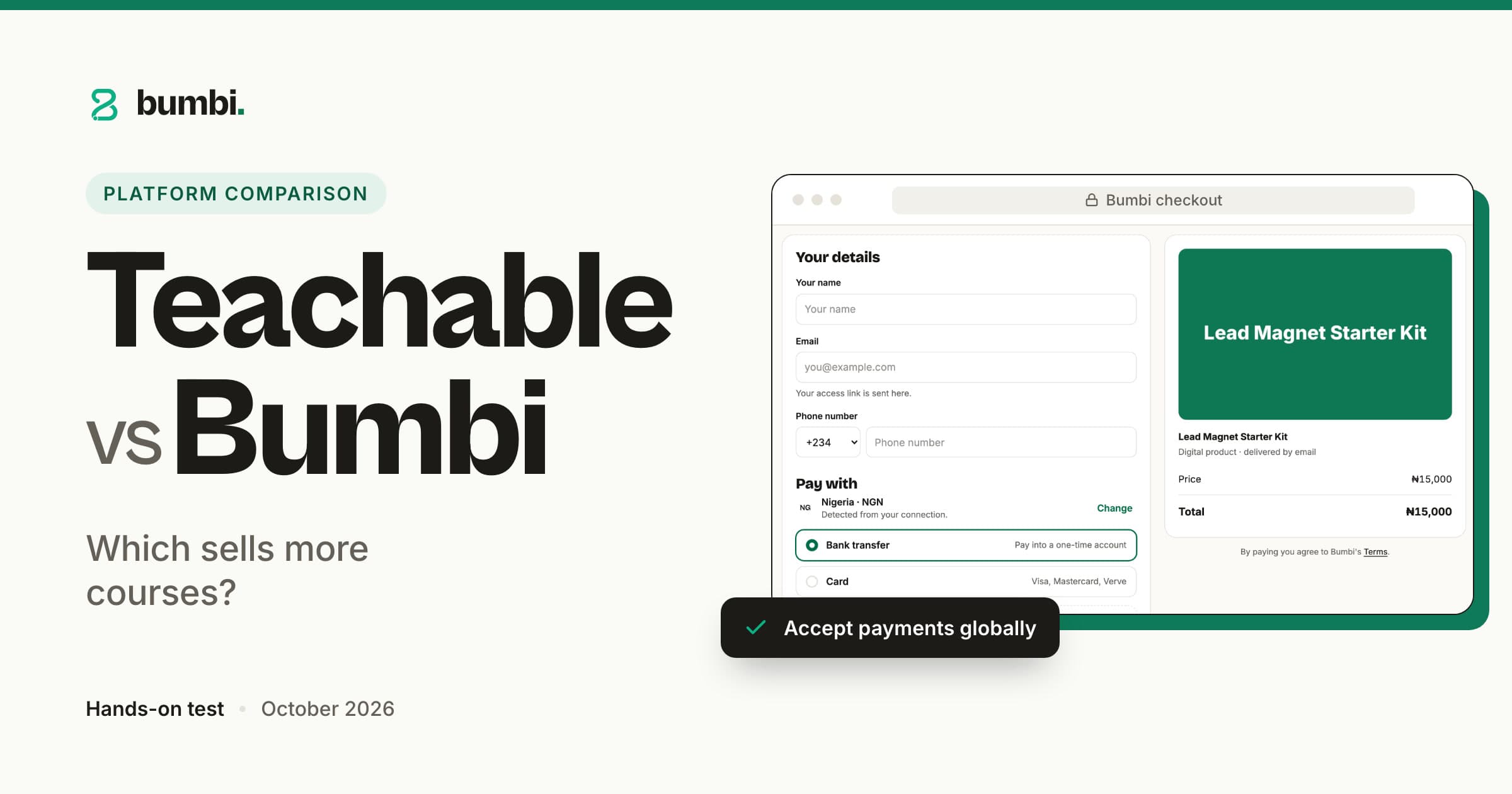
Students in other countries see and pay in their own currency where supported.
Memberships, coaching bookings, order bumps and affiliates for the students who want more.
Who it suitsTeachers, coaches and course creators who already have the lessons and now need students who pay and finish. The Free plan is free forever.
The course offer in a Bumbi webinar, timed to the minute you choose.
The student's library at bumbi.io/access: every purchase in one place.
WhatsApp groups in Bumbi, managed from the same account as the course.
Checklist
How to judge any Teachable alternative
Hosting a course is the easy part, and most platforms do it. These nine questions are about the hard part: getting students in, getting paid and keeping them going.
1
The course player
Sections, lessons, a quiz with a pass mark, a certificate at the end. Does the platform cover the basics without add-ons?
Bumbi: Bumbi Courses has sections, lessons, quizzes and certificates, with lesson videos from YouTube, Vimeo, Bunny or an HLS link.
2
Checkout for students in other countries
What does a student abroad see on the checkout, and can they pay in a currency they understand?
Bumbi: Bumbi shows students in other countries their own currency where supported, from one checkout link per course.
3
Delivery and access
Is the student enrolled the moment they pay, and can they get back in without a password reset?
Bumbi: Bumbi delivers access automatically, and the library at bumbi.io/access opens with a code sent to the student's email.
4
Selling the course with a class
Can you teach a free class once and let it run on a schedule, with the course offer on screen?
Bumbi: Bumbi runs your recording as scheduled live sessions, with a registration page, reminders, a replay and countdown offers.
5
Following up on WhatsApp
Your students answer WhatsApp faster than email. Can the platform send from your own number, with consent?
Bumbi: Bumbi sends timed WhatsApp messages from your own number to people who ticked the consent box, and stops for anyone who unsubscribes.
6
Community and cohorts
If the course comes with a group, can you sell the seat and hand out the join link without doing it by hand?
Bumbi: Sell a paid WhatsApp class as a Bumbi product; buyers get a page with the group link, which opens a fresh group when one is full.
7
Memberships and coaching
When a student wants more, can you sell a membership that renews or a coaching call they book themselves?
Bumbi: Bumbi sells memberships and subscriptions that renew, and coaching products come with a booking page.
8
Affiliates, reviews and ad tracking
Can past students promote the course, and can you add your ad pixel without a developer?
Bumbi: Bumbi tracks every affiliate sale to the person who sent it, shows verified reviews, and takes your Meta Pixel ID in Integrations.
9
Support and how easy it is to switch
Can you reach a person when a student is locked out, and how long will the move take?
Bumbi: The Bumbi support bubble opens a WhatsApp chat with our team. There is no importer, so plan a weekend for a full course.
Before you switch
What to ask before you switch
Is my problem hosting the course, or getting students to buy it?
Where do my students live, and what do they see when they try to pay?
What happens to the people who join my free class and do not buy that day?
Can I launch the next cohort on the new platform and keep the old one running?
How to switch
How to move from Teachable to Bumbi
1
Create your free account
Sign up at bumbi.io/signup. No card needed, and the Free plan is free forever.
2
Rebuild the course
There is no importer. Create the sections and lessons, paste each video link, add the quizzes and switch on the certificate.
3
Set up the class that sells it
Add your recording as a Bumbi webinar, pick the session times, and put the course offer on screen at the right minute.
4
Connect WhatsApp and swap your links
Connect your number in Settings, write the reminder and follow-up messages once, then move your links while the old course stays live.
Verdict
Bumbi team scorecard: our hands-on test, October 2026
Our verdict: Bumbi 9.0 out of 10, Teachable 5.4. We built the same six-lesson course on both and sold it to students at home and abroad. The course builders scored close; Bumbi pulled ahead on getting students to pay in their own currency and on selling the course with webinars and WhatsApp.
Teachable
5.4/10 overall
BumbiOur pick
9/10 overall
Teachable vs Bumbi scores by category, out of 10
Category
Teachable
Bumbi
Course builder and student experienceLessons, quizzes and certificates.
8/10
9/10
Local payment methods and currenciesStudents pay in their own currency where supported.
4/10
9.5/10
Getting paidOne Wallet, withdrawals confirmed with an emailed code.
4/10
9/10
Webinars and VSL pages that sell the courseRecord once, scheduled sessions, countdown offers, replays.
3/10
9/10
WhatsApp follow-up and groupsMessages from your own number, paid group seats.
3/10
9.5/10
Memberships and coachingRecurring access and booking pages.
7/10
8.5/10
Order bumps and checkout remindersA bump at checkout and automatic reminders for unpaid orders.
6/10
9/10
Affiliates and reviewsTracked affiliate sales, verified reviews.
7/10
9/10
Ad trackingYour Meta Pixel added without code.
6/10
9/10
Pages, pasted HTML and your own domainPaste a page from Claude; connect a domain on Elite.
6/10
8.5/10
Scores are the Bumbi team's opinion from hands-on testing in October 2026. Features change, so check each platform's site for their latest.
FAQ
Teachable alternatives: questions people ask
What is the best Teachable alternative?
For course creators who need students as much as a course player, Bumbi. It hosts courses with quizzes and certificates, then sells them with a webinar you record once, WhatsApp follow-up from your own number and a checkout in the student's own currency where supported.
Is there a free Teachable alternative?
Yes. Bumbi has a Free plan that is free forever, with a checkout link for each product, automatic delivery and the student library. You upgrade only when you need more, such as WhatsApp list messages or webinars. Plan details are on the Bumbi pricing page.
What are the best alternatives to Teachable?
This page covers Bumbi only, because it is the platform we build and test every day. When you compare other alternatives to Teachable, enrol one real student on each, run the checklist above, and check each platform's own site for current features.
Where do my course videos live on Bumbi?
On the video host you already use. Bumbi plays lesson videos from YouTube, Vimeo, Bunny or any HLS link inside the course player, and never hosts the video itself, so you paste the link into the lesson and your files stay where they are.
What is Bumbi?
Bumbi is a platform for creators who sell digital products: ebooks, courses, templates and presets. It hosts your course and runs the webinars, WhatsApp follow-up and checkout that bring students in from anywhere in the world.
Your course is ready. Now fill it.
Courses, webinars, WhatsApp follow-up and a checkout in your students' currency, in one account. Free to start.
 Bumbi