 Bumbi
How to Add Your Webinar Video in Bumbi
Bumbi never hosts your video. See how to add your webinar video by pasting a YouTube, Vimeo, Bunny, Google Drive, or HLS link.
In a minute you will connect the video that plays in your webinar. Bumbi never hosts your video: you paste a link, and Bumbi plays it inside your live room and replay.
Before you start
- Your video uploaded to a supported host: Bunny Stream, YouTube (unlisted works), Vimeo, Google Drive, or a direct HLS (.m3u8) link.
- The video's watch or share URL copied.
Steps
- Open your webinar and go to the Setup tab.
- Find the Video card.
- Paste your link into Video URL, for example
https://www.youtube.com/watch?v=... - Bumbi detects the provider and shows a badge (YouTube, Vimeo, Bunny, and so on). Save.
- Bumbi reads your video length automatically, which sets how long each session runs.
How to know it worked
You see your provider badge and a preview on the Video card, and the detected length appears. This is the exact video your attendees and replay viewers will watch.
If something goes wrong
- Video will not load? Check it is not fully private. YouTube should be Public or Unlisted, and Vimeo must allow embedding.
- Big launch coming? Bunny Stream is recommended for production. Google Drive works but is not ideal for large audiences.
Related articles
Start Doing More With Bumbi Funnels
Now you can simply build better pages, create better funnels and make more sales online
Comments
Comments are reviewed before they appear. Be kind.
Be the first to comment.
Related

Sell Your Products On Bumbi
Short guide to sell your digital products on Bumbi
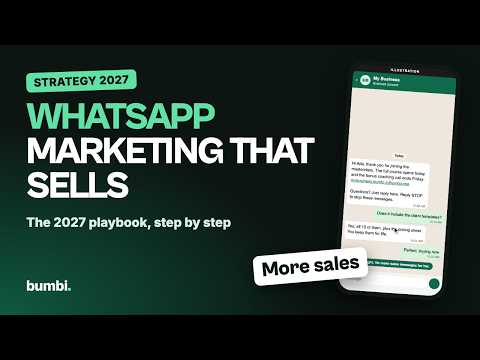
Setup Whatsapp Marketing With Bumbi

How to Set Up Automated Webinars
To set up an automated webinar in Bumbi, create a webinar, connect your video, set schedule and replay, build the registration page, add offers and reminders, publish.