 Bumbi
Release Note 4TH September - Never let a lead go cold: automatic WhatsApp follow-ups are here
Your leads live on WhatsApp, but following up with each one by hand does not scale. Now it does not have to. Build a WhatsApp follow-up once, and Bumbi sends it for you to every new contact, on the timing you choose.
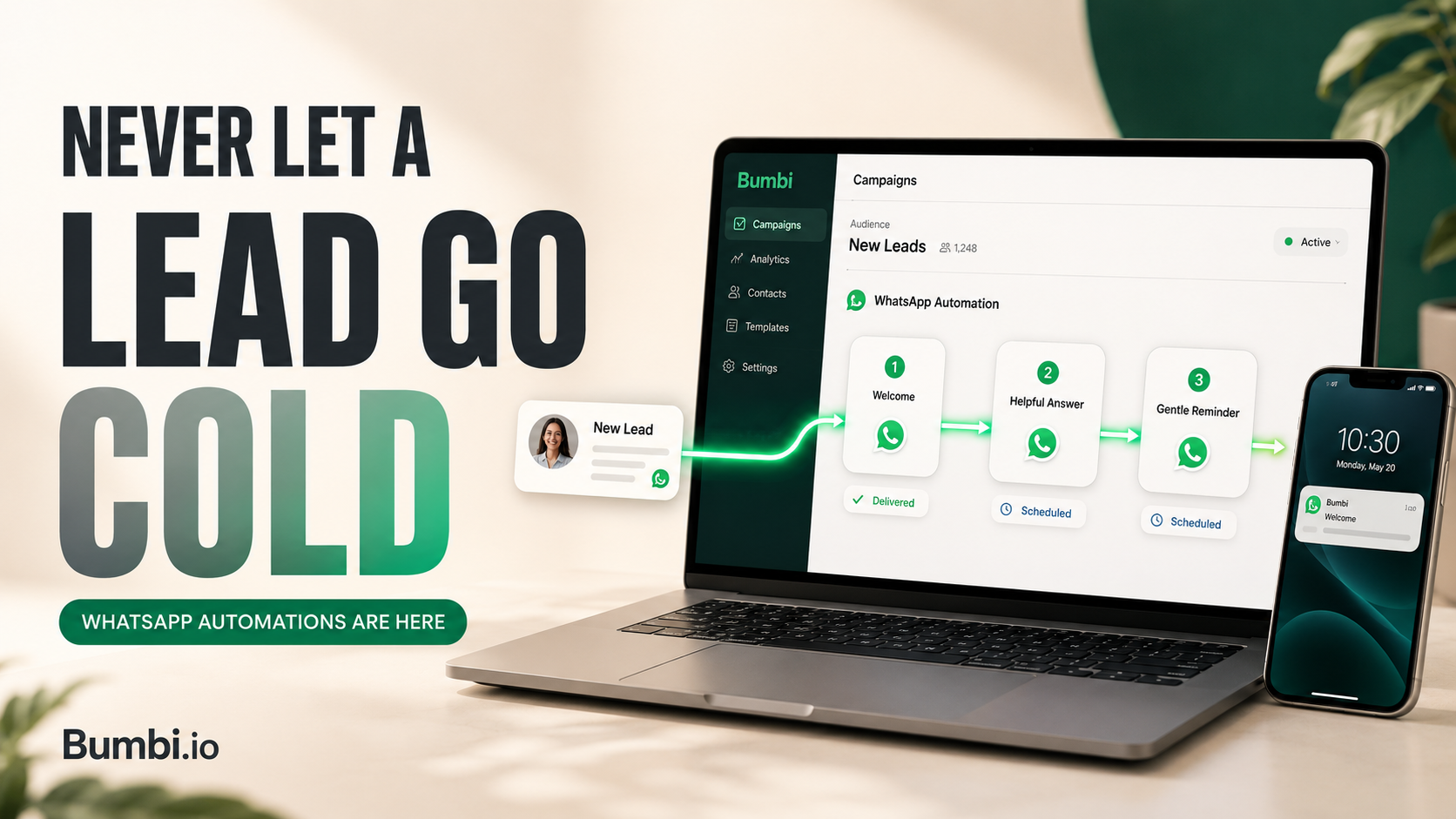
Interested leads rarely say no. They get busy, mean to come back, and forget, and the follow-up that would have won them never happens. Bumbi now sends that follow-up for you, on WhatsApp, the channel your customers actually open.
Build it once, then let it run
Connect your WhatsApp number in Settings, open a contact list in Campaigns, and add a WhatsApp automation. Write a short sequence of messages, and Bumbi sends them automatically to every new contact who joins that list: a welcome, a helpful answer, an offer, a gentle reminder, delivered while you get on with your day.
Timing that suits the moment
Send the first message immediately, or make it wait. Space later messages out with a delay, or send them at an exact time of day in your workspace time zone. A welcome can arrive the second someone signs up. An offer can wait a few days until the moment is right.
Add an image where it helps
Attach a single image to any message, such as a product photo, an event flyer, or a quick visual guide, with your caption beside it. Keep the key details in the text so the message reads clearly on every phone.
See it before anyone else does
Send a test message to your own number first. Check the wording, the image, and every link on a real device before you switch the automation on.
Respectful by design
Follow-up only works when people want to hear from you. Contacts opt in, anyone can reply STOP to leave and is removed automatically, and Bumbi paces your messages to help look after your number and your delivery. The result is follow-up that feels personal, not pushy.
What you need to start
WhatsApp automations are available on the Starter plan and above, with a connected WhatsApp number. Every plan includes a monthly send allowance (Starter 50, Growth 200, Elite 500), and you can top up with credits whenever you need more.
Ready to stop losing quiet leads? Log in and open Campaigns and set up your first WhatsApp automation in a few minutes.
Frequently asked questions
Which plans include WhatsApp automation?
Starter and above, with a connected WhatsApp number. Included monthly sends are 50 on Starter, 200 on Growth, and 500 on Elite, and you can add credits any time.
Will my contacts know it is automated?
Messages come from your own WhatsApp number and read like a normal chat. Keep them personal and relevant and they land like a message from you.
What happens when someone replies STOP?
They are removed from your follow-up automatically.
Can I add more than one image to a message?
One image per message. Use the caption for the rest of the detail.
Do I need the WhatsApp Business API?
No. Connect your number in Settings and build your sequence inside Bumbi.
Start Doing More With Bumbi Funnels
Now you can simply build better pages, create better funnels and make more sales online
Release notes, 20 August 2026: build your pages by hand, on your own address
NextWhat's New in Bumbi, September 2026
Comments
Comments are reviewed before they appear. Be kind.
Be the first to comment.
Related
Release notes, 30 September 2026: VSL Offers
Turn your sales video into a complete offer page, with your offer revealed at the right moment and analytics that show how far people watch.
Release notes, 30 September 2026: WhatsApp Group Automation
Message your WhatsApp groups, plan timed Sequences and keep every group under control, all from your Bumbi dashboard.
Release notes, 28 September 2026: the Bumbi Affiliate Programme
Earn by sharing Bumbi, with your own affiliate portal, referral link and monthly payouts to your bank.